
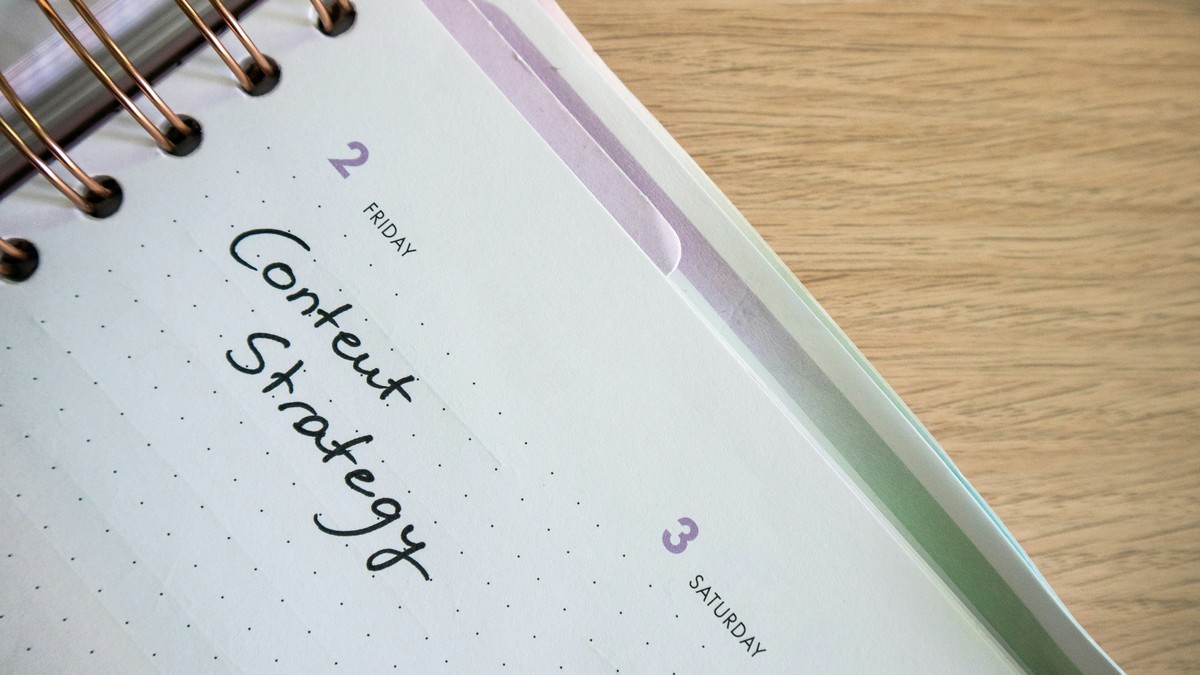
The “behind” feeling usually is not a time problem. It is a visibility problem. Tasks are scattered across notes, chats, tabs, and memory, so the brain keeps them open in the background. A 15-minute weekly reset closes loops, clears noise, and produces a short, realistic plan for the next seven days.
- Time: 15 minutes
- Tools: one list (paper or notes app) and one calendar
- Output: a Next-7 list (max 10 items) and 3 calendar blocks
Why weekly beats daily
Daily planning is useful, but it often turns into constant re-deciding. Weekly planning creates a stable container. It defines what “enough” looks like for the week and reduces daily decision fatigue. The point is not perfect forecasting. The point is to choose a direction and keep the week from filling itself by default.
Step 1: Capture everything into one place (3 minutes)
Set a timer for three minutes and do a fast sweep. The rule is simple: if it is on your mind, it goes on the list. Do not organize. Do not prioritize. Just capture.
- Open browser tabs that represent tasks (bills, forms, purchases)
- Message threads with “I need to respond” energy
- Sticky notes, notebooks, screenshots, saved links
- House tasks and admin tasks (appointments, renewals, paperwork)
Step 2: Sort into three buckets (4 minutes)
Go down the list once and label each item with one of three buckets. Keep it fast. If an item is ambiguous, pick the best bucket and move on.
- Now: must happen within 7 days
- Later: important, but not this week
- Never: no longer relevant or not worth doing
The “Never” bucket is where relief lives. If something has been on the list for months, it is either a project that needs a real plan or it is dead weight. Delete or defer intentionally.
Step 3: Create a Next-7 list (3 minutes)
From the “Now” bucket, choose up to 10 items for the next seven days. Ten is not arbitrary. It forces tradeoffs. If you pick 25, nothing is real. If you pick 10, you can actually finish.
How to choose the 10
- Pick 3 outcomes: the week’s most visible wins (example: submit a form, finish a purchase, schedule an appointment)
- Pick 4 maintenance items: small tasks that prevent future chaos (example: laundry, groceries, inbox sweep)
- Pick 3 loose ends: annoying items you keep postponing (example: return, call, repair)
Step 4: Put three blocks on the calendar (3 minutes)
If tasks live only on a list, they compete with everything else. Calendar blocks create protected time. Add three blocks for the week. That is enough to move things forward without over-scheduling.
- Deep work block (60 to 90 minutes): one meaningful task from the Next-7 list
- Admin block (30 minutes): calls, forms, email, payments
- Reset block (20 minutes): cleaning a surface, organizing a drawer, clearing a pile
When choosing times, use moments that are already predictable. For many schedules, one block early in the week and one mid-week is easier than trying to squeeze work into every day.
Step 5: Define one “default day” rule (2 minutes)
A weekly plan survives only if the week has a default. Pick one small rule that makes a normal day easier. Examples:
- “No meetings before 11.”
- “One admin task right after lunch.”
- “Phone stays off the bedroom charger until breakfast is done.”
Common failure modes (and fixes)
Failure: the list is too long
Fix: enforce the Next-7 cap. If you cannot choose 10, you are trying to do next month’s work this week. Move items to “Later” without guilt.
Failure: you pick unrealistic tasks
Fix: rewrite tasks into smaller outcomes. “Organize finances” becomes “download statements” or “set two autopays.” The smaller the first action, the more likely you start.
Failure: the calendar blocks never happen
Fix: make blocks earlier and shorter. A 30-minute deep work sprint beats a never-used two-hour block.
A simple template to reuse every week
- Capture: everything onto one list
- Bucket: Now / Later / Never
- Choose: Next-7 (max 10)
- Block: 3 calendar blocks
- Rule: one default day constraint
Next step
Run this reset once this week, then repeat it on the same day next week. Consistency matters more than duration. After three weeks, the “behind” feeling usually drops because nothing important is hiding.